My note taking system
how I capture and store ideas from books, videos, and life

My goal here is to simply share the system I’m using to take notes. This is not some beautiful pinterest-ready system, and it may not work for you. But as someone who’s quite scattered, busy, and often exhausted I have found this to stand the test of time and be good enough to jog my memory or find what I need even months later. In my opinion, the most important thing is writing down ideas when they come to you. Then find a way to catalogue information in a way that’s fairly easy to sort through down the road.
If a person forgets an idea that they love, it’s a horror. - David Lynch
Scraps of paper are my first line of defense against losing an idea. I take notes all the time in all sorts of spots. There are sketchbooks and yellow memo pads strewn about my apartment. There are sticky notes, scraps of paper, and napkins from the coffee shop all with (fragments of) ideas taped to my wall. Half of them are ripped in half because the other part of the paper was a grocery list, to-do list, or something else I no longer need. I of course also collect digital notes, often in the notes app™ or even emails to myself. And of course the marginalia in whatever book(s) I’m currently reading. Collectively, these constitute the first half1 of my note taking process.
In the short term, most of these live in a notebook if I was lucky enough to have one nearby, or taped to my wall if the medium is a scrap of paper.
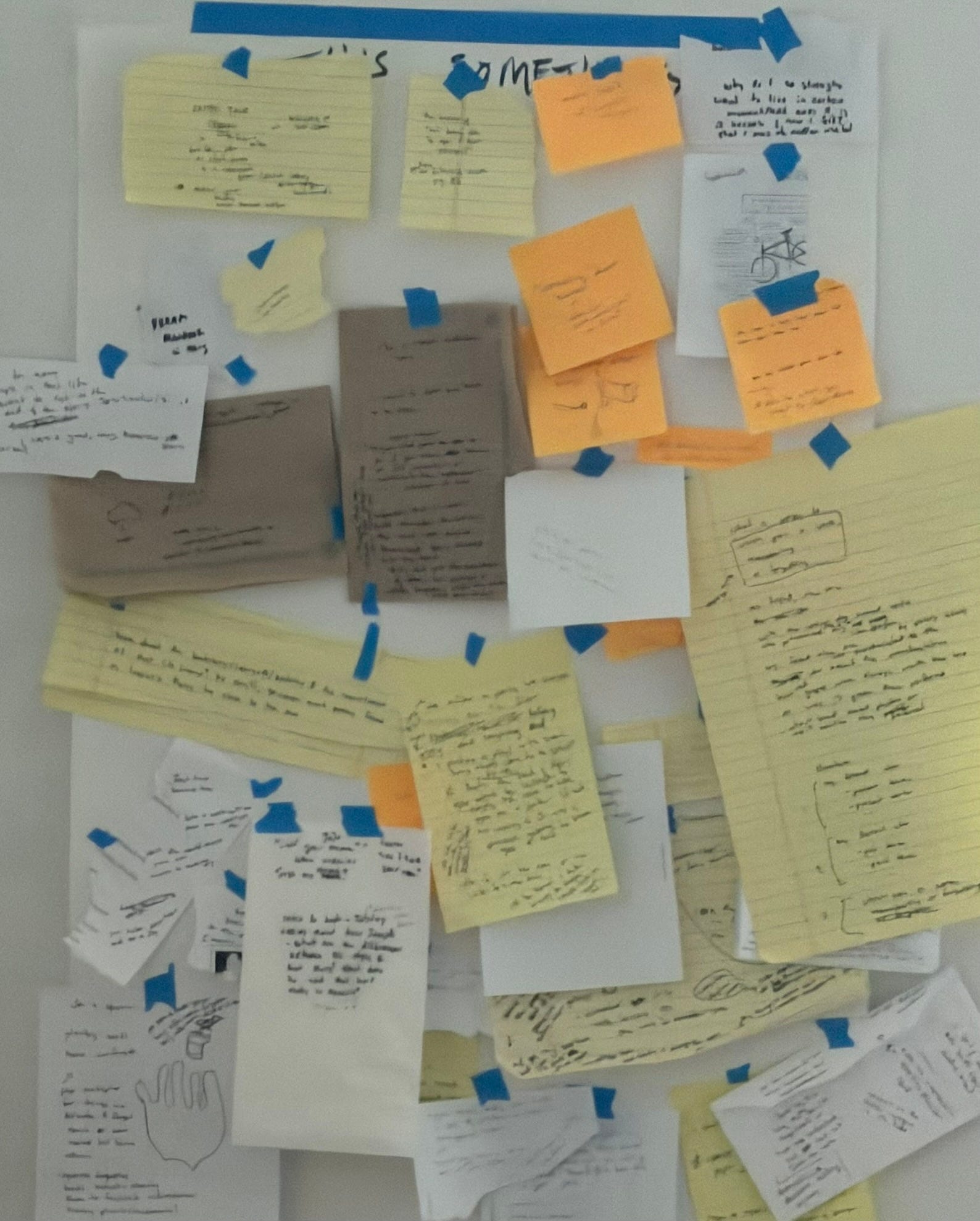
When I have time or one of the ideas is calling, I type some of these notes up along with whatever related ideas come to mind. Sometimes the scraps include sources to look up or quotations to find, which are typed up too.
Obsidian holds most of my notes long term and in a digital format. I use it for everything from meeting notes to email drafts, but mostly I store notes on media I consume and related ideas. When it comes to actually writing a complete essay/post, I sometimes draft it out in Obsidian but if it require any fancy formatting or aligned images I’ll use a proper word processing tool (often overleaf especially for STEMy things, occasionally another app, and of course the Substack editor for things like this2).
I really like Obsidian for two major reasons: the file sizes are extremely small3 and it’s easy to link elements of a note to another note or broader topic. There are also several options with varying costs for syncing notes across devices, including DIY for free. You can use a double bracket to “highlight” a word or phrase, and that becomes a node in your notes graph. If a note with a title matching exactly what you highlighted exists, it’ll link directly to that. A very basic example of how I use this could be having highlighted [[surrealism]] in multiple individual notes, and then the actual note called “surrealism” would link to those notes; then I might write some specific ideas related to surrealism4 down in that note or include links to other related topics. All of that feeds into a network that obsidian automatically generates, letting you see and search relationships between topics. Below is an example—nodes are tagged words/phrases, and if it’s dark it’s also the title of an already existing note.
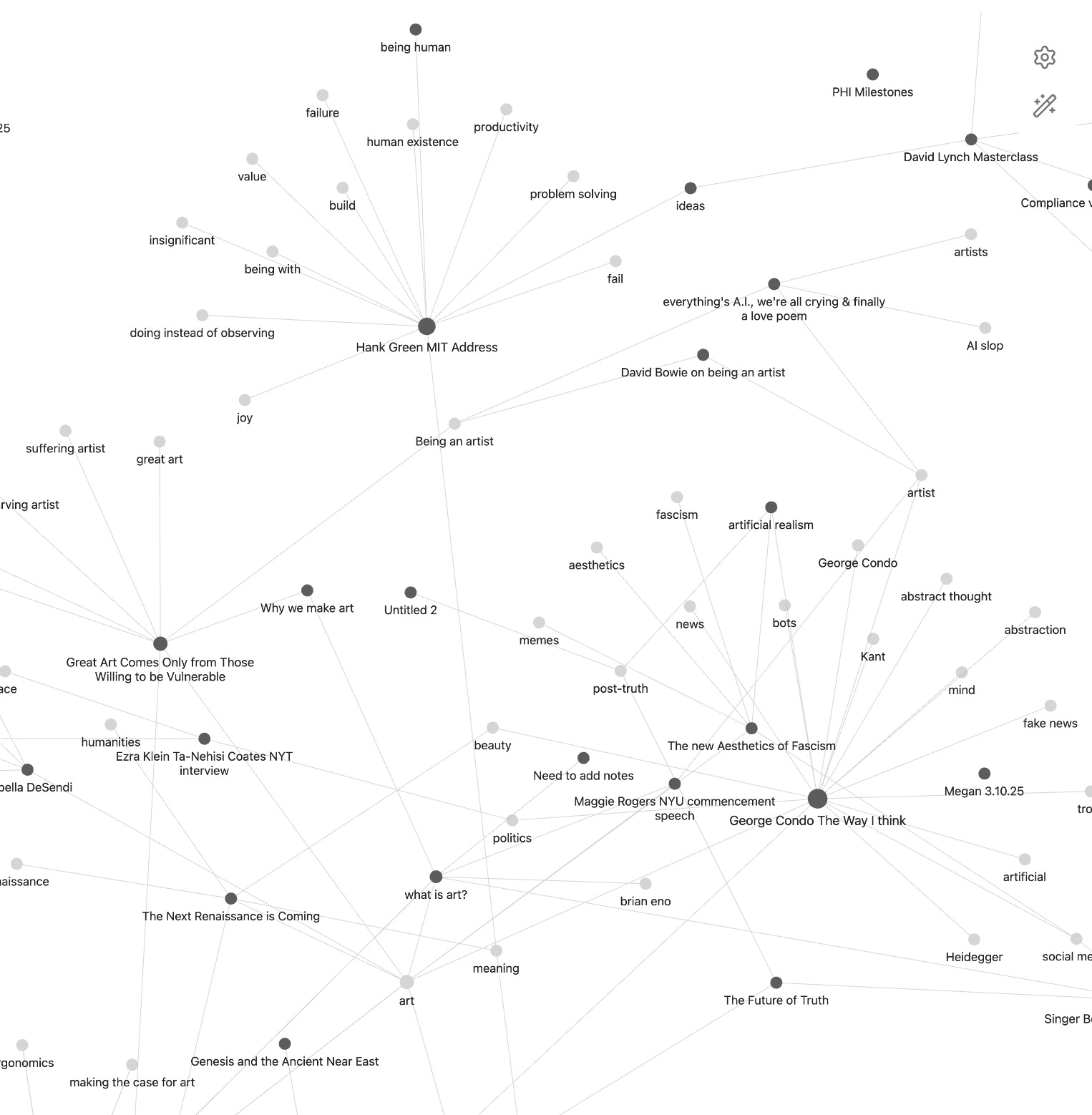
Much of my Obsidian is dedicated to notes on media I consume and the ideas I get from it. This most often includes books, articles, and videos though sometimes poems or movies make their way in too. I have dedicated folders for article, video, and book notes.
I love including direct quotations that I found interesting from media right in the note. Sometimes I want to include long video quotations in my note, in which case I use auto transcription tools to speed the process up. For YouTube videos, are all kinds of transcription tools out there, but I find myself defaulting to NotebookLM5 because it’s so easy to use.
When I read a book, I’m actually fairly “lazy” with my note taking the first time around. The process is typically limited to underlining or bracketing sections I really liked or a note in the margins. Occasionally I get an idea from the reading and write that down (also on whatever is handy).
As with videos, I like to eventually type up the quotations I highlighted and any related marginalia. For long quotations I sometimes use the camera text recognition feature on my phone instead of typing it all out. It can feel grueling, but it also gives me a refresh on some important moments from the book… or makes me laugh at some unhinged note6 I left in the margin. If I find a word or phrase during transcription to be interesting or think it’s tied to another concept I have notes on, I double bracket it so that it either “backlinks” to an existing topic/note or creates a new one to link to later (as shown in the network picture). And when I re-read quotations I sometimes come up with new thoughts that weren’t scribbled on the page. For example, just a couple of days ago I was typing up my notes from “Something in the Woods Loves You” and a few quotations linked to “The Future of Truth;” now I have the seed for a writing about truth, metaphor, and magic. When the idea first struck me, I actually wrote it down on a scrap of nearby paper and now it’s taped to my wall.
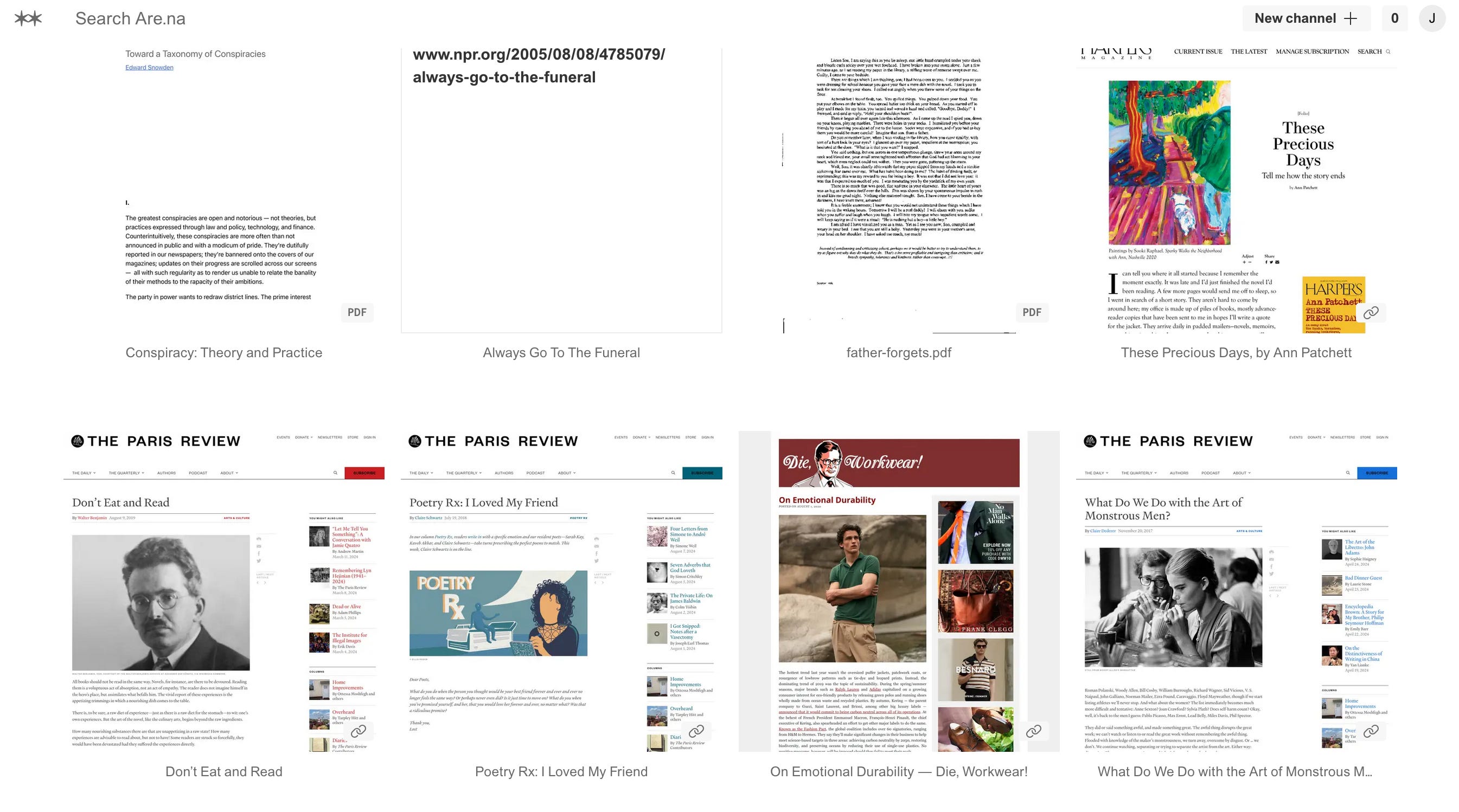
are.na is the last major component of my note taking. I use this for collections of ideas—often links or images—like some use Pinterest. In fact I’ve heard it compared to a nerdier version of Pinterest. There are a few core features I really like: creating collections of blocks (similar to boards), being able to include a single block in multiple collections (channels), being able to include someone else’s block in your channel, creating collaborative blocks, and no ads. They also have a new mobile app and API, and occasionally publish collections of essays and art submitted by users. To be honest, I don’t take advantage of all it has to offer. Most often, I drop interesting media or links I don’t want to lose into collections, and then tidy some of them up later. Often those links later become notes in obsidian once I have time to properly read or listen to whatever was linked. Other times I just like having a channel with pretty pictures or content that I can easily share (e.g., I have one with links and PDFs of many of my favorite pieces of writing so I can easily find one or send the whole set to someone who’s interested).
Ultimately what matters most is that you find a system that lets you store ideas, no matter how simple or messy, so that you won’t lose them forever. Bonus points if it’s easy to back up. Often when I’m busy or exhausted I forsake well linked obsidian notes and some of my are.na channels are still a mess,7 but I don’t really care because I know I haven’t lost it forever.
I hope this helps, and please share your favorite note taking tools!
until next time ily bye<3
not that it’s actually a totally systematic or linear process
though I often copy paste the content before I close the tab in case the draft disappears
because it uses markdown files which are basically plain text with minimal formatting. this also makes it very easy and fast to make backups and sync across devices
e.g., a definition I like
yeah I know it’s AI but youtube is already ai transcribing its own videos lol so
tbh sometimes it’s just “LOL” or “oof”
and fortunately most of those are private…
I have been inspired! gonna look into obsidian and are.na fs
you make note taking look super whimsical and i love it